Proof for people who have not pressed play yet
Listener Testimonials on Podcast Websites
Someone lands on your podcast website from a search or a guest’s post. They have not heard an episode, and they are deciding whether to spend forty minutes on you. A listener saying what the show changed for them answers that faster than any description. Better still if they hear it: StoryProof collects voice notes as well as written and video testimonials, and plays audio in widgets. This planner covers where listener proof goes on a podcast site and how to ask for it from the mic.
- Listener voice notes beside the play button
- Different proof for the sponsor page
- An on-air ask with one link
The problem, solved
What podcast sites get wrong about proof
Written quotes feel flat for an audio show
A show about voices backed only by text quotes misses the most natural proof it could have.
With StoryProof: Listeners can leave an audio note through one collection link, and audio notes play in widgets and on the Wall of Love.
The best praise is in our DMs
Listeners say lovely things in messages and emails, where no visitor will ever see them.
With StoryProof: Reply with your collection link and ask them to say it again there, in text, audio or video, so it arrives ready to approve.
We never ask on the show itself
The moment listeners feel most connected is while they are listening, and that moment goes unused.
With StoryProof: Read the collection link out, put it in the show notes, or print it as a QR code for live recordings.
Sponsors want different proof from listeners
A new listener wants to know the show is worth their time. A sponsor wants to know listeners act on what they hear.
With StoryProof: Tag testimonials by audience, filter by tag, and choose which approved testimonials appear in each widget.
Our site builder makes adding things painful
Podcast site themes are fixed, and hand-coding a testimonial section per page is not realistic.
With StoryProof: A widget is two lines of HTML, a div with the widget id and the embed script, which any site builder with an HTML block can take.
Flip the switch to see how StoryProof handles each one.
Podcast site placement
Where listener proof goes on your podcast website
Tick the placements you have. A podcast site needs fewer testimonials than a store, placed closer to the play button.
Ticks stay in this browser tab. Nothing is saved or sent.
Live preview
A listener testimonial strip under the player
A sample of a carousel layout with placeholder testimonials. On your site it shows the listener testimonials you chose for it.
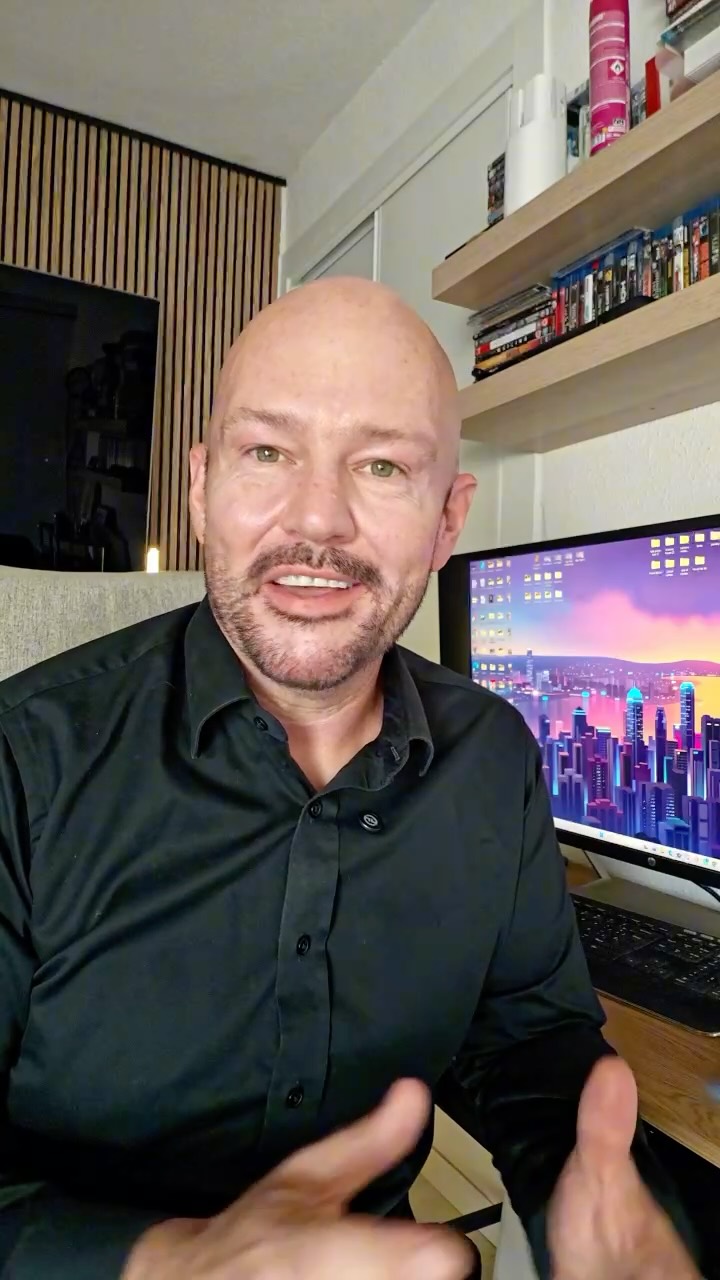 1:22
“StoryProof made collecting and showing real customer video reviews effortless for us.”

 Review from Trustpilot
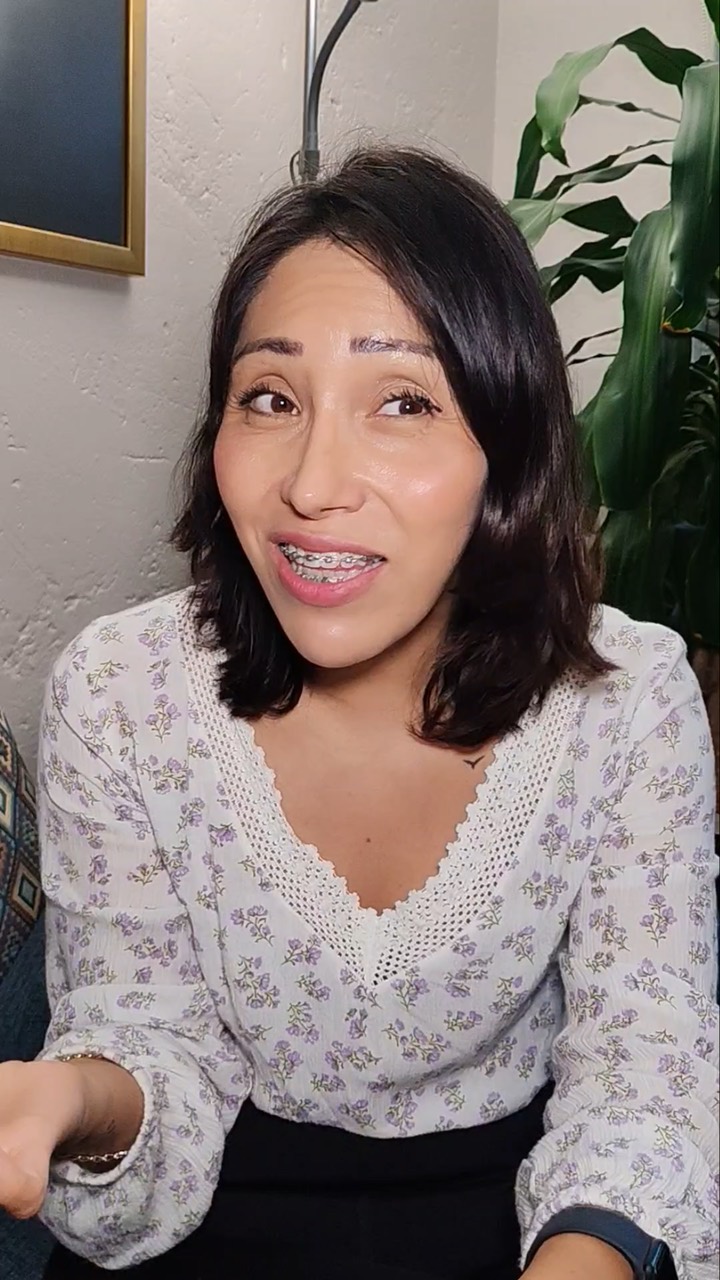 1:14
“Collecting video reviews used to be the hardest part. Now it takes one link.”

 Review from Google
 1:09
“Real faces and real voices sell far better than anything we could write ourselves.”

 Review from Facebook
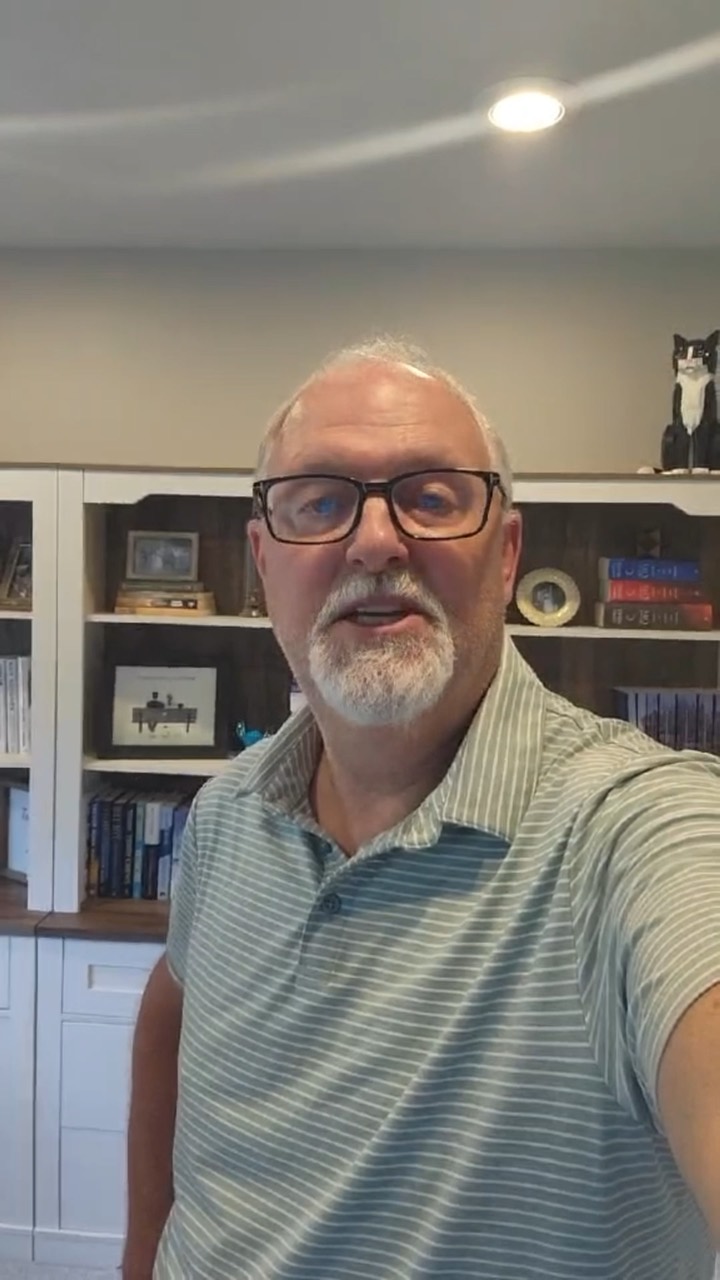 1:33
“Setup took minutes and the reviews started coming in the same week.”
 Review from Trustpilot
 1:17
“Our customers actually record. That never happened with our old review form.”

 Review from G21:22
“StoryProof made collecting and showing real customer video reviews effortless for us.”
Review from Trustpilot1:14“Collecting video reviews used to be the hardest part. Now it takes one link.”
Review from Google1:09“Real faces and real voices sell far better than anything we could write ourselves.”
Review from Facebook1:33“Setup took minutes and the reviews started coming in the same week.”
Review from Trustpilot1:17“Our customers actually record. That never happened with our old review form.”
Review from G2
In StoryProof
Set it up in StoryProof
Step 1 of 4
Ask on air and in the show notes
Invite listeners to leave a voice note, a video or a written note through your one collection link.
Step 2 of 4
Approve and tag by audience
Approve the ones you want to use and tag them for new listeners or for sponsors.
Step 3 of 4
Build one widget per audience
Choose the testimonials for a listener widget and a separate sponsor widget.
Step 4 of 4
Embed under the player
Paste the two lines of embed code into an HTML block beside the player and on your sponsor page.
Before you start
What this plan does not do
What this does not cover, and what to check on your side. Better to know now than after launch.
- 01
No podcast app reviews pulled in
StoryProof is not described as connecting to podcast apps. Listener reviews there stay there unless the listener submits again to you.
- 02
No download or listener numbers
StoryProof does not report podcast downloads. Sponsors who want audience figures need them from your podcast host.
- 03
Audio notes stay audio
StoryProof does not turn a voice note into text. Visitors hear it in the widget rather than read it.
- 04
Your site must accept HTML
Some podcast site builders restrict custom code. Check that yours allows an HTML or embed block before you plan placements.
FAQ
Questions people ask
Short answers to what usually comes up next.
Can I put Apple Podcasts or Spotify reviews on my website?
Ask the listener first. The simplest route is to thank them and invite them to submit their words through your own link, which gives you their permission too.
Are voice notes better than written listener testimonials?
For a podcast, often. A listener’s own voice fits the medium. Keep a written quote or two as well for visitors browsing with the sound off.
How often should I ask for testimonials on the show?
Once or twice a season is enough. Asking every episode becomes background noise that listeners skip.
Do sponsors care about listener testimonials?
They care about listeners who act on recommendations. A testimonial that mentions trying something because of the show speaks to that more than general praise.
Still have a question? Ask the StoryProof team or book a demo.
Let listeners speak for your show
Collect voice notes with one link and play them beside your episode player.
Last updated 2026-11-20.