Portrait or landscape
Vertical or Horizontal Video Testimonials
A customer picks up their phone and records upright, because that is how phones are held. Your website section was designed for a wide frame. Or the reverse: a polished landscape clip that looks tiny in a social feed. Orientation is decided before anyone presses record, so decide it on purpose. Answer five questions about where the video will play.
- Matches orientation to where it plays
- Tells you what to ask the customer for
- Handles clips you already have
Decision helper
Which orientation should this testimonial be?
Answer for the next video you plan to request, or one you already have.
Answers stay in your browser. Nothing is saved or sent.
The problem, solved
Where orientation goes wrong, and what StoryProof gives you to work with
- Problem 1
Every customer films upright
They tap the link on their phone and record as they hold it. Nobody told them otherwise.
How StoryProof solves it
Customers record in the browser from the collection link with no app, so put the orientation request in the email that carries the link.
- Problem 2
Our good clips are the wrong shape
A videographer delivered wide clips, but the page that needs them is built for phones.
How StoryProof solves it
Reframe in a video editor first, then upload the file. Existing video files can be uploaded directly into StoryProof.
- Problem 3
Portrait and landscape mixed in one widget
A row of clips in different shapes looks uneven and unplanned.
How StoryProof solves it
You choose which approved testimonials appear in each widget, so group portrait clips in one widget and wide ones in another.
- Problem 4
We are not sure which layout suits which
A carousel, a gallery and a reel present the same clip very differently.
How StoryProof solves it
StoryProof has walls, carousels and other layouts with live previews. Preview your actual clips in a layout before you place it on a page.
Orientation by placement
Live preview
A video-led section to test your clips in
The working Video Gallery layout with sample clips from stock personas, not StoryProof customers.
 1:22
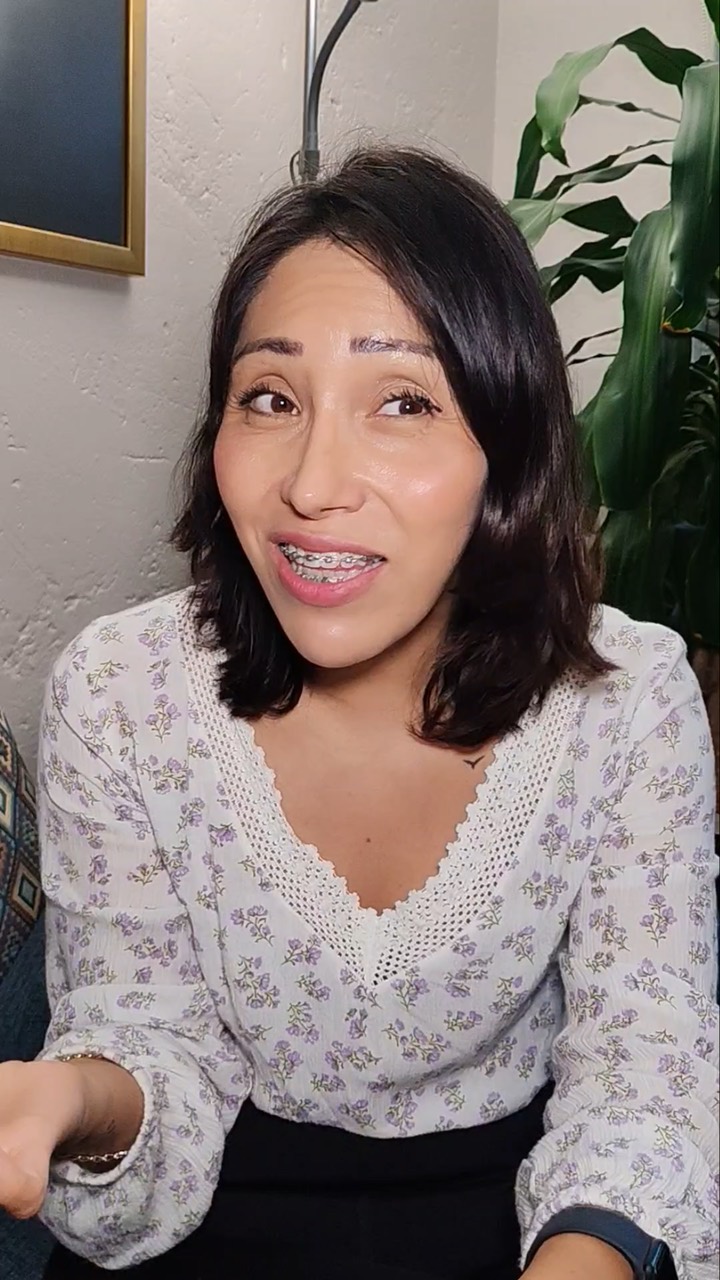 1:14
 1:09
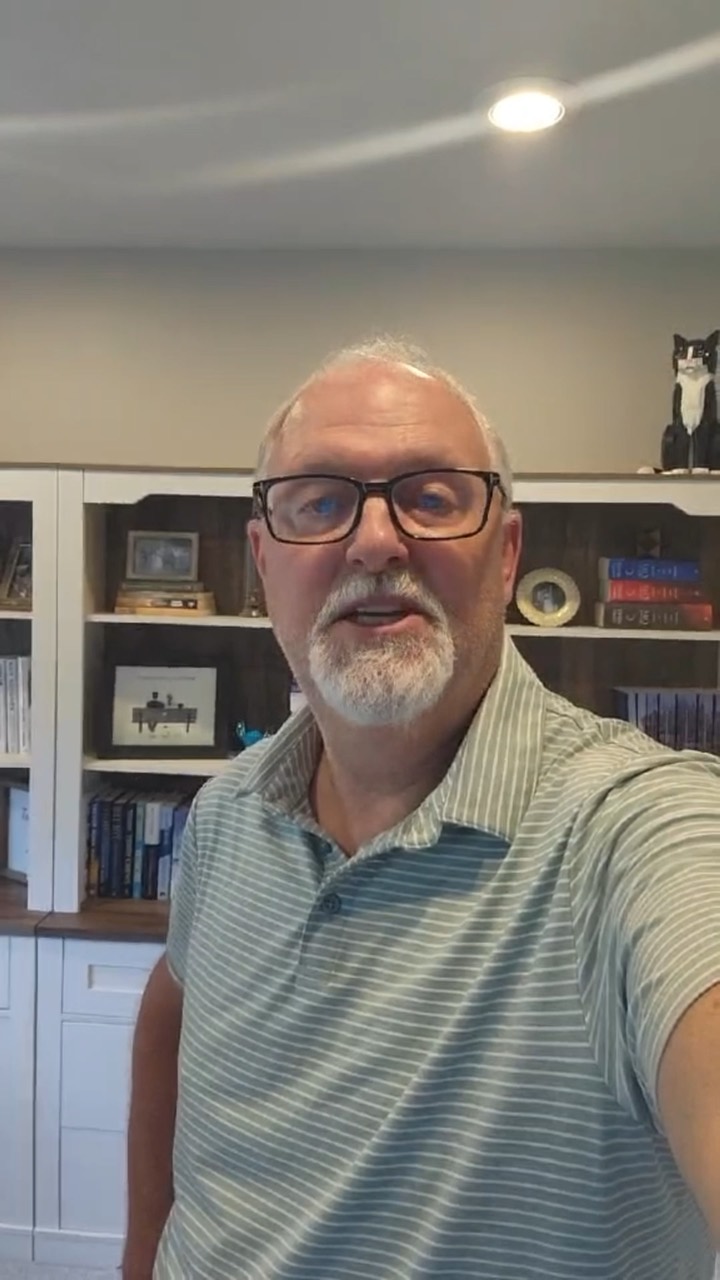 1:33
 1:17

In StoryProof
Get the orientation you need
- 1
Say it in the request
Add one plain line to the email: "Please hold your phone sideways" or "Upright is perfect."
- 2
Keep it short
Shorter clips are easier to place in any shape. Video length limits depend on your plan.
- 3
Upload reframed clips
If an existing clip needs a different shape, cut it in an editor and upload the new file.
- 4
Build widgets by shape
Select portrait clips for phone-first pages and wide clips for desktop sections.
What happens next: Open each page on a real phone and a laptop after publishing. That is the only test of orientation that counts.
Before you start
What this guide does not decide
What this does not cover, and what to check on your side. Better to know now than after launch.
- 01
No reframing is claimed here
This page does not rely on StoryProof cropping or rotating video. Reframe in a video editor before uploading.
- 02
Customers may ignore the instruction
Some will record upright however you ask. Plan pages that can take either shape.
- 03
Your theme matters
How a clip sits on a page depends on your site’s layout as well as the widget. Check the live page.
- 04
Still images for social
The social image designer makes images from approved testimonials, not video edits. Cut social clips elsewhere.
FAQ
Questions people ask
Short answers to what usually comes up next.
Is vertical video unprofessional on a website?
Not any more. A single person talking to camera often looks natural upright, especially for phone visitors. It looks wrong only when the section was built for a wide frame.
Should I ask customers to turn their phone sideways?
Only if the clip is for a desktop section, a demonstration or two people. Otherwise let them record the way they are comfortable. Comfort shows on camera.
Can I turn a landscape clip into a portrait one?
Yes, by cropping in a video editor, if the speaker is near the centre. Cropping a portrait clip to landscape loses much more, so it rarely works well.
What about square video?
Square is a middle ground that sits reasonably in feeds and on pages. It is worth asking for only if your design was built around it.
Still have a question? Ask the StoryProof team or book a demo.
Collect video in the shape you need
Send one link with a line about orientation, then place each clip in the widget that suits it.
Last updated 2026-11-07.