Choosing what to show
Video vs Written Testimonials Decision Guide
Video is not always better, and text is not always enough. A pricing table needs a line someone can read in two seconds; a page for a considered purchase may need a face and a voice. Answer five questions about one page to see which format it should lead with.
- A format recommendation for one page
- Weighs placement, attention and the claim
- Shows a mix when both formats fit
Decision helper
Which format should this page lead with?
Pick one page you are working on. Answer for that page only.
Answers stay in your browser.
The problem, solved
Where the format choice goes wrong, and how StoryProof lets you change it
- Problem 1
We only have text, but this page needs video
The page for a considered purchase needs a face, and the library is all typed quotes.
How StoryProof solves it
Send a StoryProof collection link: customers can record a video, leave an audio note or write, in the browser with no app to install.
- Problem 2
Visitors scroll past the video
A clip next to the pricing table goes unplayed, and the space could have held three quotes people would actually read.
How StoryProof solves it
You choose which approved testimonials appear in each widget, so the pricing page can carry written ones while the video lives on a page made for watching.
- Problem 3
Customers will talk but not on camera
A voice is more convincing than a quote, but the customer will not record their face.
How StoryProof solves it
Audio notes play in widgets and on the Wall of Love, alongside video and written testimonials.
- Problem 4
Our best videos are in a shared drive
Clips filmed at an event or by an agency never reach the site because nobody knows how to add them.
How StoryProof solves it
Video files you already have can be uploaded straight into StoryProof and placed like any other testimonial.
Placement by placement
Live preview
What a video-led section looks like
This is the working Video Carousel layout with sample clips from stock personas, not StoryProof customers.
 1:22
“StoryProof made collecting and showing real customer video reviews effortless for us.”

 Review from Trustpilot
 1:14
“Collecting video reviews used to be the hardest part. Now it takes one link.”

 Review from Google
 1:09
“Real faces and real voices sell far better than anything we could write ourselves.”

 Review from Facebook
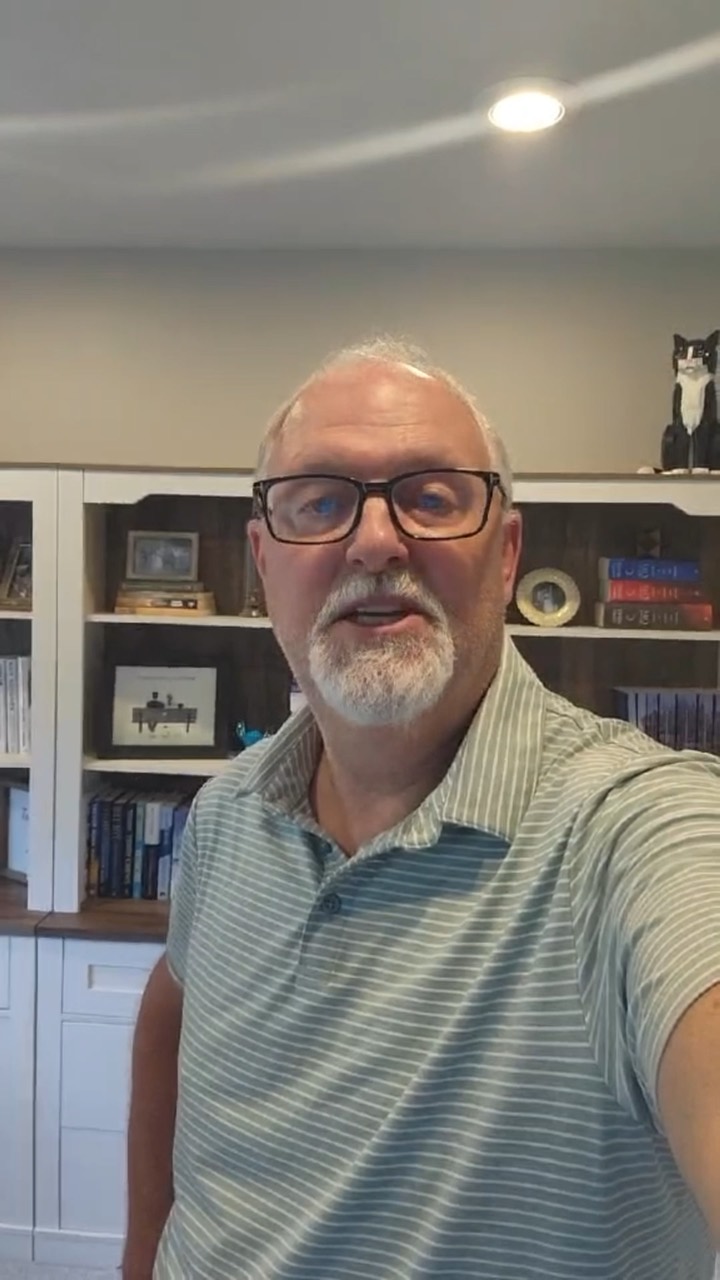 1:33
“Setup took minutes and the reviews started coming in the same week.”
 Review from Trustpilot
 1:17
“Our customers actually record. That never happened with our old review form.”

 Review from G21:22
“StoryProof made collecting and showing real customer video reviews effortless for us.”
Review from Trustpilot1:14“Collecting video reviews used to be the hardest part. Now it takes one link.”
Review from Google1:09“Real faces and real voices sell far better than anything we could write ourselves.”
Review from Facebook1:33“Setup took minutes and the reviews started coming in the same week.”
Review from Trustpilot1:17“Our customers actually record. That never happened with our old review form.”
Review from G2
In StoryProof
Put the right format on each page with StoryProof
- 1
Collect every format with one link
Customers choose video, audio or text. You end up with all three to draw from.
- 2
Bring in existing clips
Upload video files you already have so they sit in the same library as everything else.
- 3
Build one widget per placement
Pick the written testimonials for the pricing page widget and the videos for the product page widget.
- 4
Check the length customers can record
Video length limits depend on your plan; see pricing for the current figures before you ask for longer stories.
What happens next: Revisit the choice when a page changes job, for example when a landing page becomes a pricing page.
Before you start
Things the decision helper cannot judge
What this does not cover, and what to check on your side. Better to know now than after launch.
- 01
It does not know your conversion data
It applies placement rules. If you can test the two formats on a page with enough traffic, the test wins.
- 02
A weak video is worse than a strong quote
Poor sound or a rambling clip costs trust. Only lead with video you would happily watch yourself.
- 03
Video weighs more on the page
Several large clips on one page can slow it down. Keep video to the sections built for it.
- 04
The customer chooses the format
You can ask for video, but people answer in the format they are comfortable with. Plan pages around what you can get.
FAQ
Questions people ask
Short answers to what usually comes up next.
Are video testimonials better than written ones?
For some jobs. Video shows a real person and carries tone, which helps on pages where visitors weigh a decision. Written quotes are faster to read and work beside buttons and in tables.
Should a video testimonial have a written quote next to it?
Yes. Many visitors will not press play. A one-line quote from the same customer gives them the point and a reason to watch.
Is audio a real alternative to video?
It is a middle ground: a real voice without a camera. It suits customers who will talk but will not be filmed, and pages where tone matters.
How many videos should one page have?
On most pages, one or two. A page built only for browsing testimonials can carry more.
Still have a question? Ask the StoryProof team or book a demo.
Collect every format, show the right one
One link gathers video, audio and text. Each widget shows the format its page needs.
Last updated 2026-11-05.